A conversation connected to where you are
Proximity voice follows your position in the world. Walk near other players to hear them, and their voices become quieter as you move away. Yabs uses a nearby range of up to 90 tiles, rather than broadcasting your microphone to every player across the city.
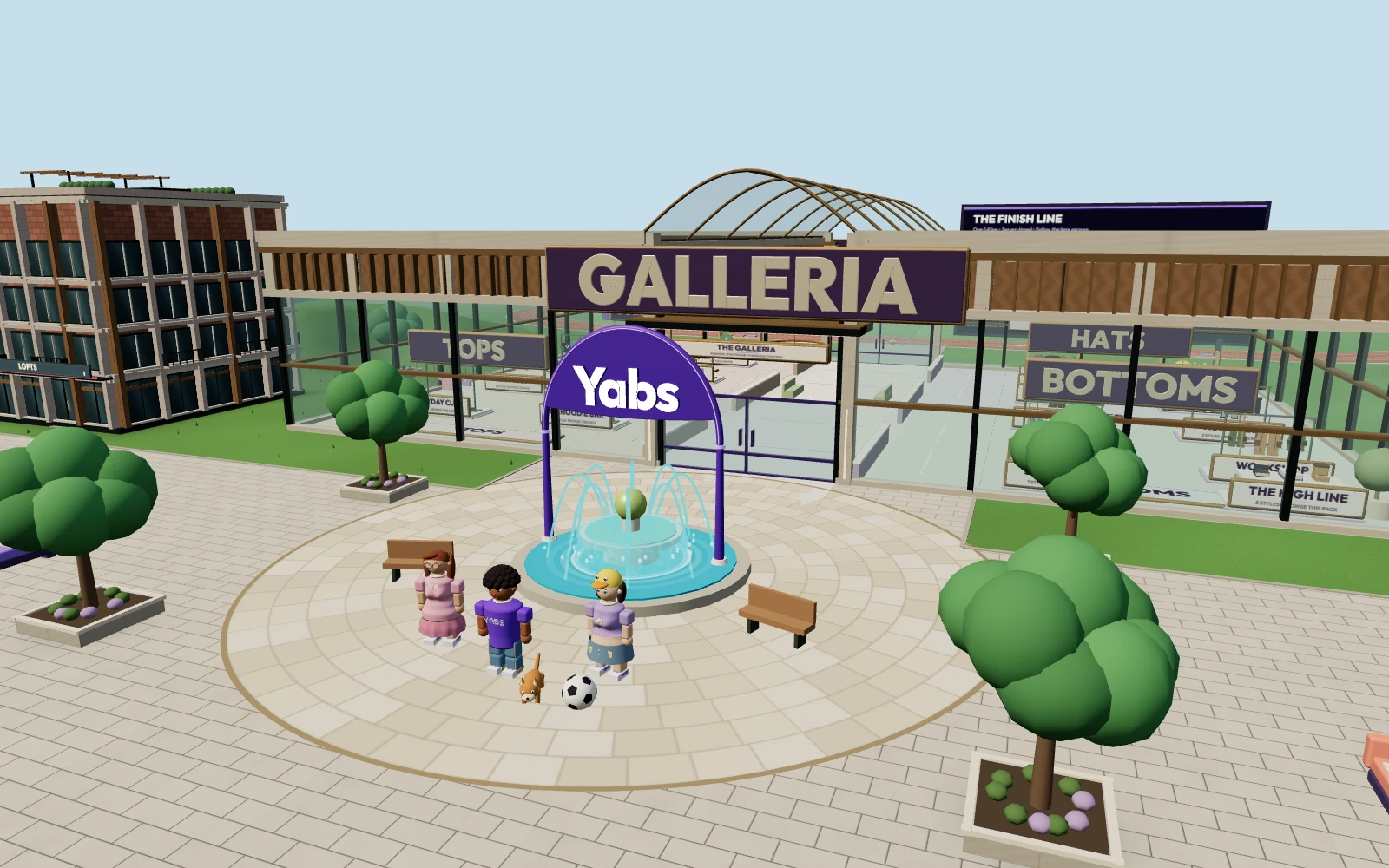
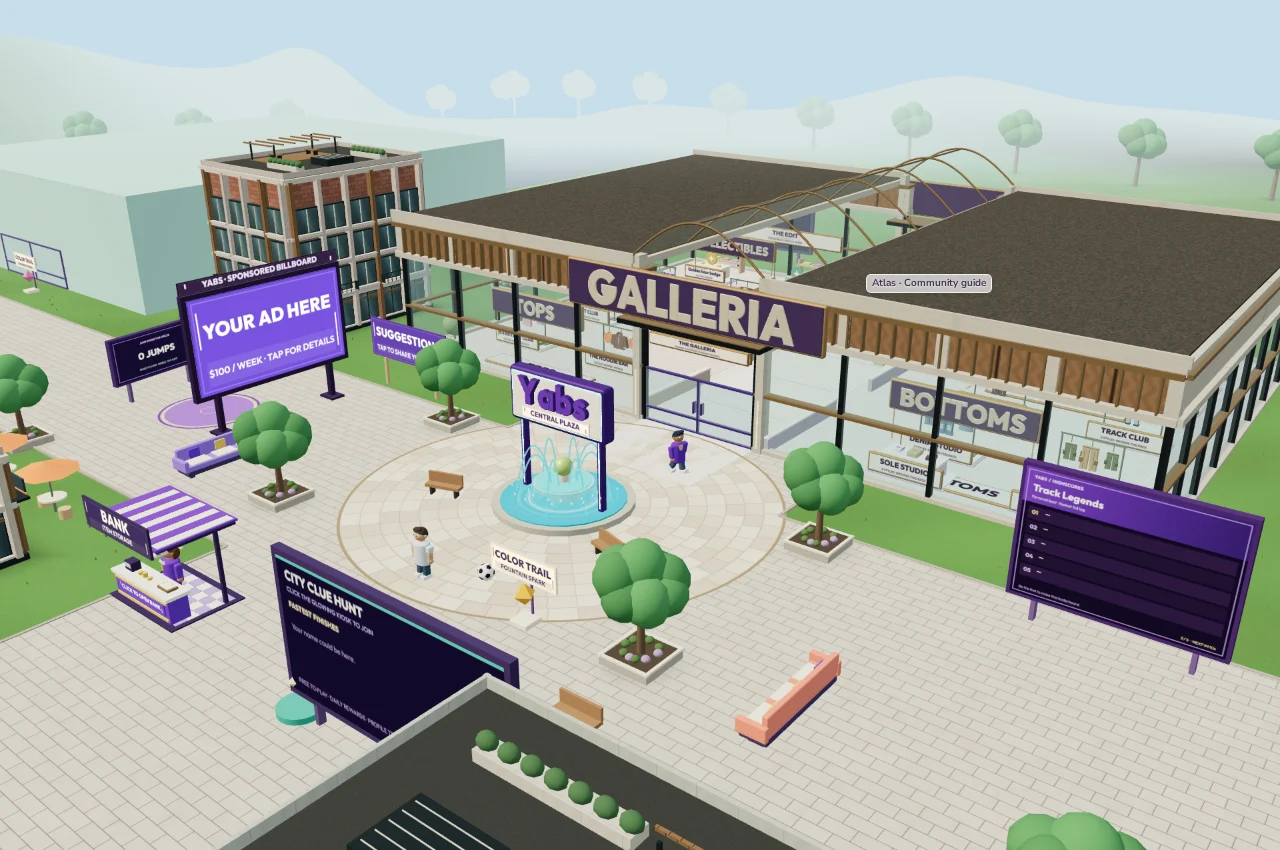
That makes a park bench, the fountain or the edge of the athletics field a place to gather. You can keep exploring between conversations, bring a pet, browse clothing or challenge a friend to a lap. If you want an overview of the world first, visit the browser game introduction.
Check eligibility before enabling your microphone
Yabs voice and video are for players aged 18+ on regular accounts. You also need a verified email and permission for the browser to access your microphone; video needs camera permission as well. Text chat is available from age 13+ with email verification. Use your real birthday when registering.
Account moderation and a pending staff-requested age review can restrict communication. Verifying an email confirms access to an inbox; it is not proof of age or identity. You can explore and play without using voice or video. Read the rules and privacy information before sharing anything personal.
Set up proximity voice in Yabs
- Sign in, complete the required account details and verify your email.
- Open the nearby voice controls and select the microphone you want to use.
- Allow microphone access when the browser asks, then use the microphone test to check your input.
- Start with push-to-talk, the default mode. Use the speaking control shown in the game when you want to talk; choose free talk if you prefer the microphone to remain active.
- Move near another eligible player with voice connected, and check your device volume if you cannot hear them.
Browser permissions, device volume and the game mute controls are separate. If voice stops working, check all three before reconnecting. The chat and friends guide covers the broader messaging options.
Nearby voice, private calls and text
Nearby voice is useful for a shared space. For a one-to-one conversation, open another player’s profile and send a voice or video call invitation. The other person decides whether to accept; a request is not an active call. Private calls also have a text chat box.
You can use private messages or group text chats when you do not want to speak. Ignore and report controls are available if an interaction becomes uncomfortable. Close or mute your microphone when you are finished, especially if you chose free talk. For account or device issues, visit Support.
If you arrived looking for Roblox voice chat
Yabs and Roblox have separate accounts and eligibility rules. Changing a Yabs setting cannot enable voice on Roblox. Roblox’s official chat guide explains its age checks, supported voice experiences and in-game connection controls. Follow that guide if your goal is to fix Roblox voice chat.
If you want to try a different social world, read Roblox vs Yabs or enter Yabs in your browser. No microphone is needed to look around first. Yabs is an independent game, not a way to bypass another service’s chat restrictions.