Which experience are you looking for?
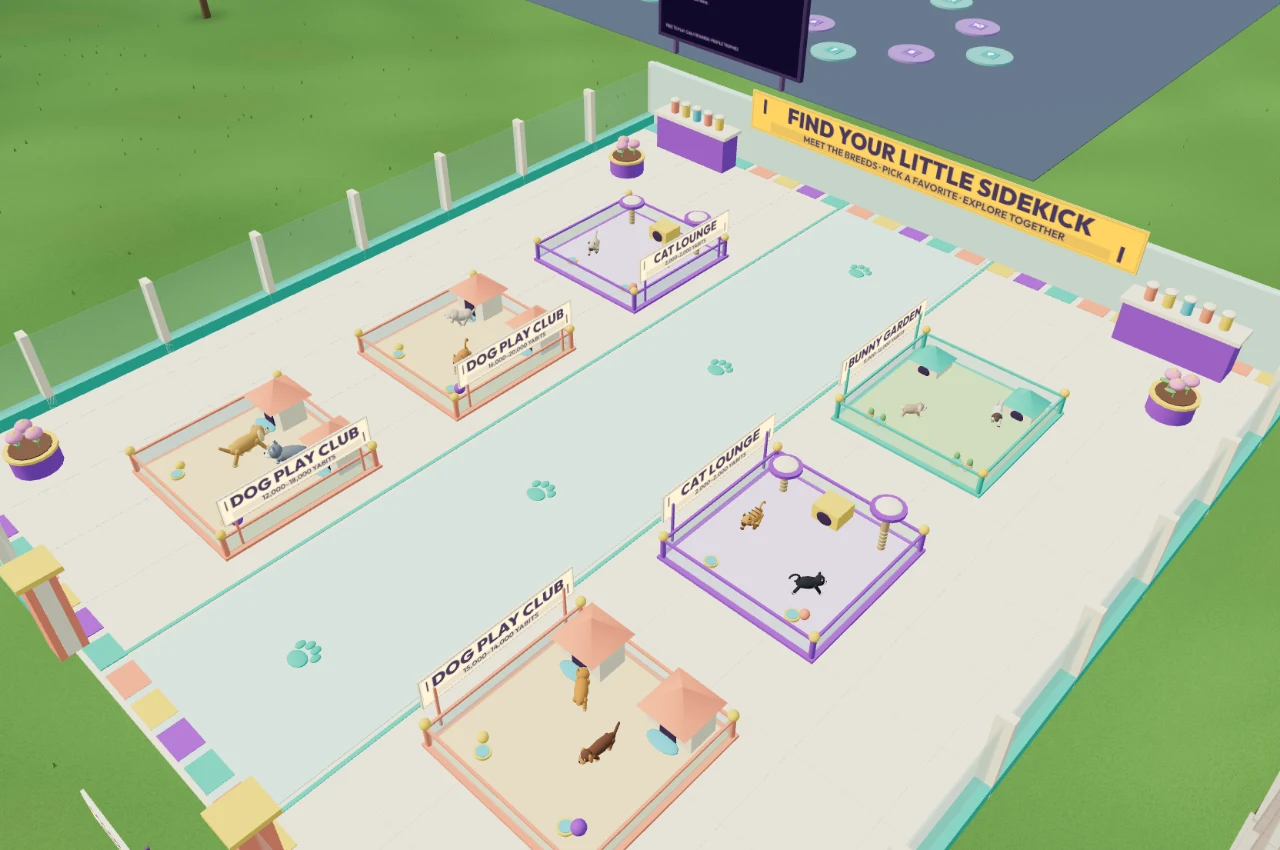
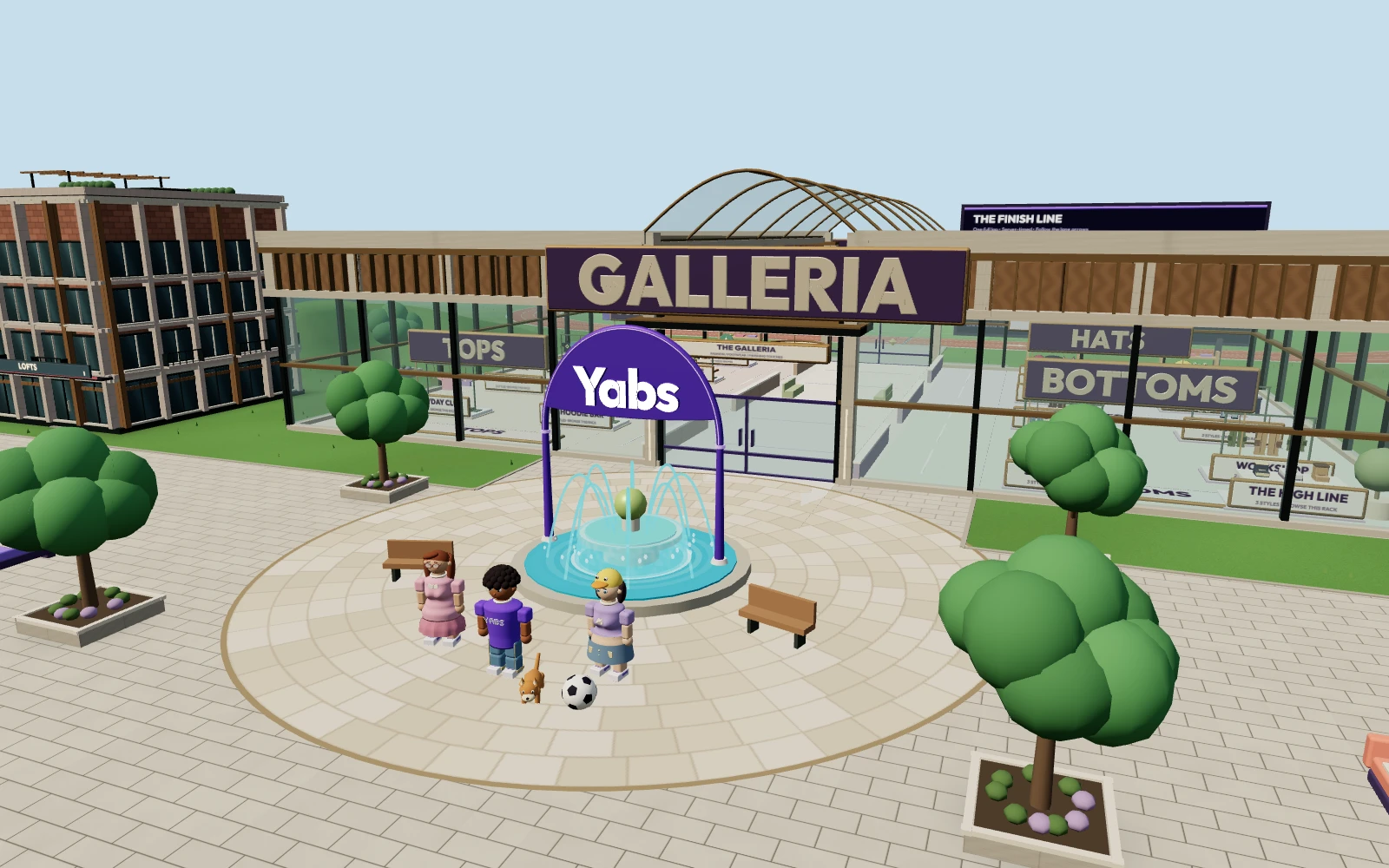
Yabs brings shopping, pets, races and conversations into a walkable city. You create a character, meet people around the fountain and decide where to go next. Your clothes, friends and pet companions are part of the same world as you move between activities.
Roblox is designed for discovering and playing different creator-made experiences, as well as building your own. Its official platform overview describes its tools for play, creation and discovery. If creating and publishing games is your priority, that is a capability Roblox offers which Yabs does not currently provide.
Features side by side
| Feature | Yabs | Roblox |
|---|---|---|
| World structure | One shared city with shops and activities | A platform with many creator-made experiences |
| Avatars | Character studio, clothing stands and inventory previews | Avatars and customization across its platform |
| Creation tools | No public game-publishing tools | Roblox Studio and creator tools |
| Playing on the web | Runs in a WebGL browser today | Player/app options; browser play rollout announced for late 2026 |
| Social features | Nearby text/voice, private messages, groups and accepted one-to-one calls | Communication depends on eligibility, account settings and experience |
| Virtual currency | Yabits for optional clothing, accessories and pets | Robux for purchases within its ecosystem |
Currency and purchases stay in their own game. Yabits and Robux are not interchangeable, and a Yabs account does not sign you into Roblox.
Browser play and devices
Yabs runs directly in a modern desktop or mobile browser with WebGL enabled. There is no Yabs game download. Desktop players can click to walk or use WASD, while mobile players use the on-screen joystick. Performance depends on the device and connection.
Roblox’s desktop help guide describes installing Roblox Player. Its September 2026 announcement also describes in-browser Chrome play planned by the end of 2026. Check Roblox’s current instructions for availability rather than assuming an installation is always required.
Communication and account requirements
Yabs requires an account and verified email to use text, voice or video chat. Microphone and camera access also require browser permission. You can explore without either device, use push-to-talk for nearby voice and accept or decline private call invitations.
Roblox applies its own age-check and account-based communication rules. Its age-check documentation explains eligibility and settings. These are different systems: email verification in Yabs is not proof of a person’s age or identity. Read each service’s current rules before using chat.
Try the activities that matter to you
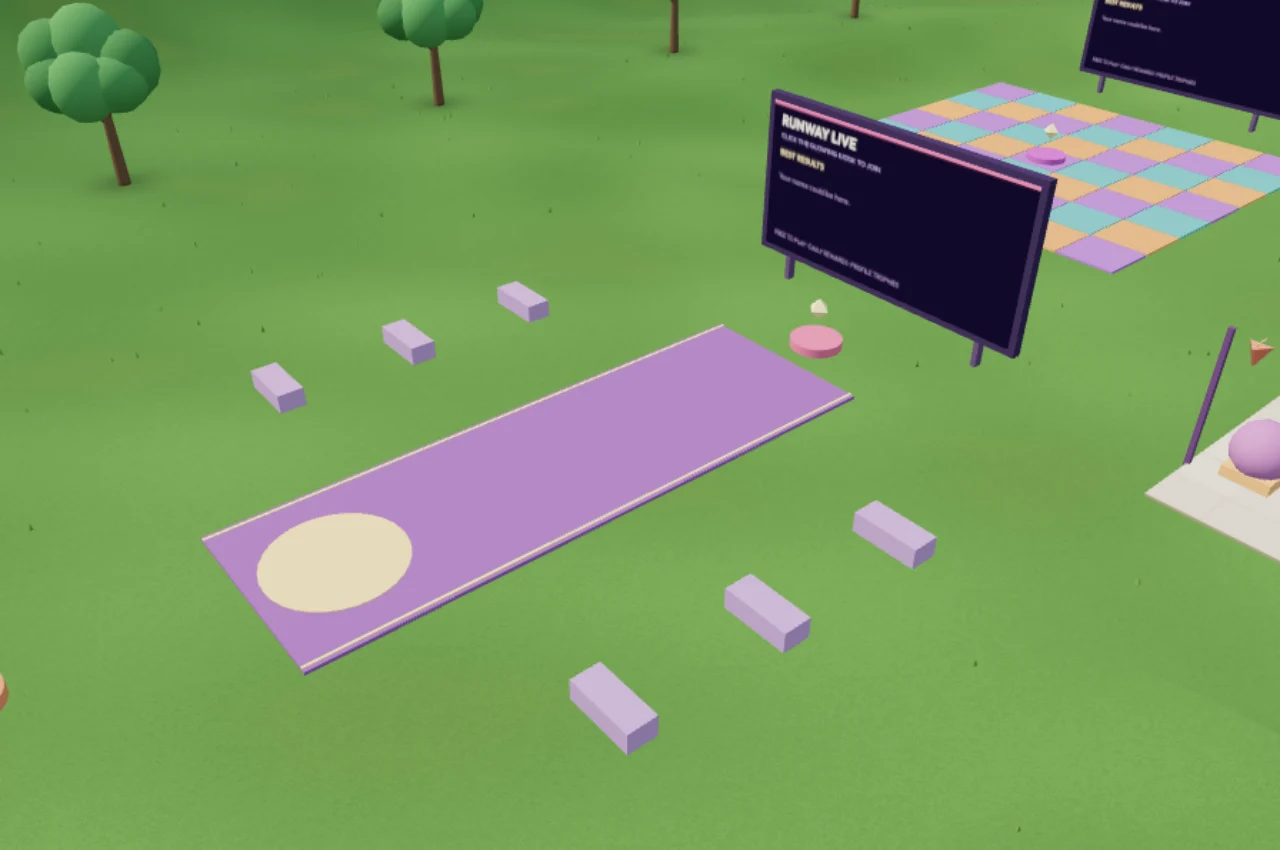
Yabs may suit you if you want a browser hangout with a character, a mall to walk through, pet companions and activities in one place. You can try timed track laps, Platform Dash, Freeze Floor and Runway Live, then return to the plaza to talk.
Start with the Yabs beginner guide, browse avatar customization, or see the activities guide. Joining and exploring Yabs are free; optional items use Yabits.
Reviewed October 30, 2026. This comparison is published by Yabs, which is in early access. Yabs is independent of Roblox and is not affiliated with or endorsed by Roblox Corporation. Features and availability can change; the linked official sources explain Roblox’s current options.