Make a character and enter the world
Choose Play free and create an account with your email, a password and a username using letters and numbers. The character studio opens for new players so you can choose your look before exploring. You can return to the studio from the game menus later; appearance changes save as you select them.
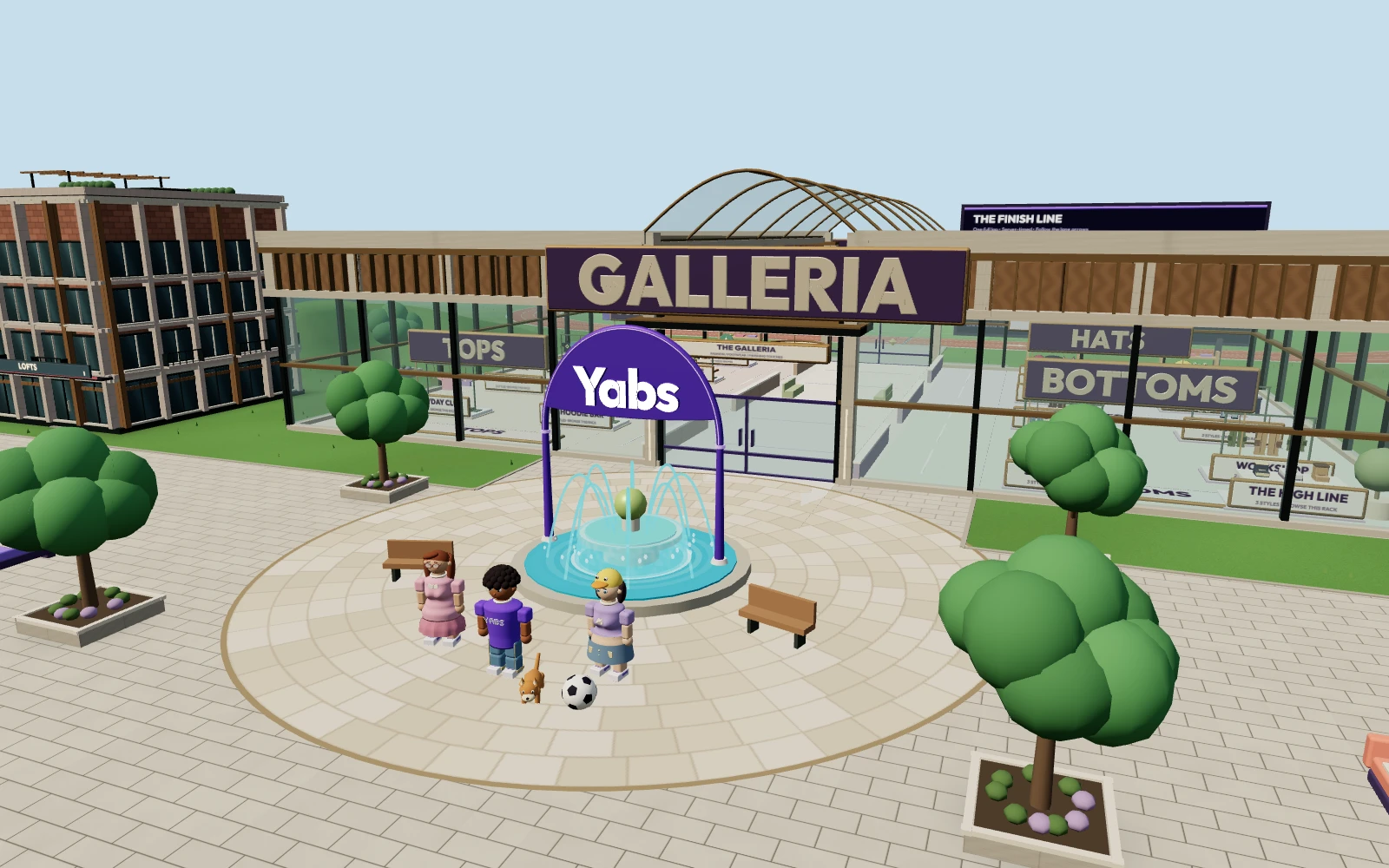
You begin near the fountain in Central Plaza. Take a moment to find the world map, chat and Inventory controls. Your account keeps your items and character, so use the same login when you return.
Move, jump and find your way
On desktop, click the ground to walk there or use WASD. Press Space to jump and M to open or close the world map. Use the map to find shops, activities and other players. The minimap helps you stay oriented while walking.
On mobile, use the on-screen movement joystick. Double-tap while moving with the joystick to jump. Menus open in a mobile layout, and you can adjust the camera to see more of the world.
Pick a first stop
- The Galleria: walk into the mall and approach a clothing stand to browse what it sells.
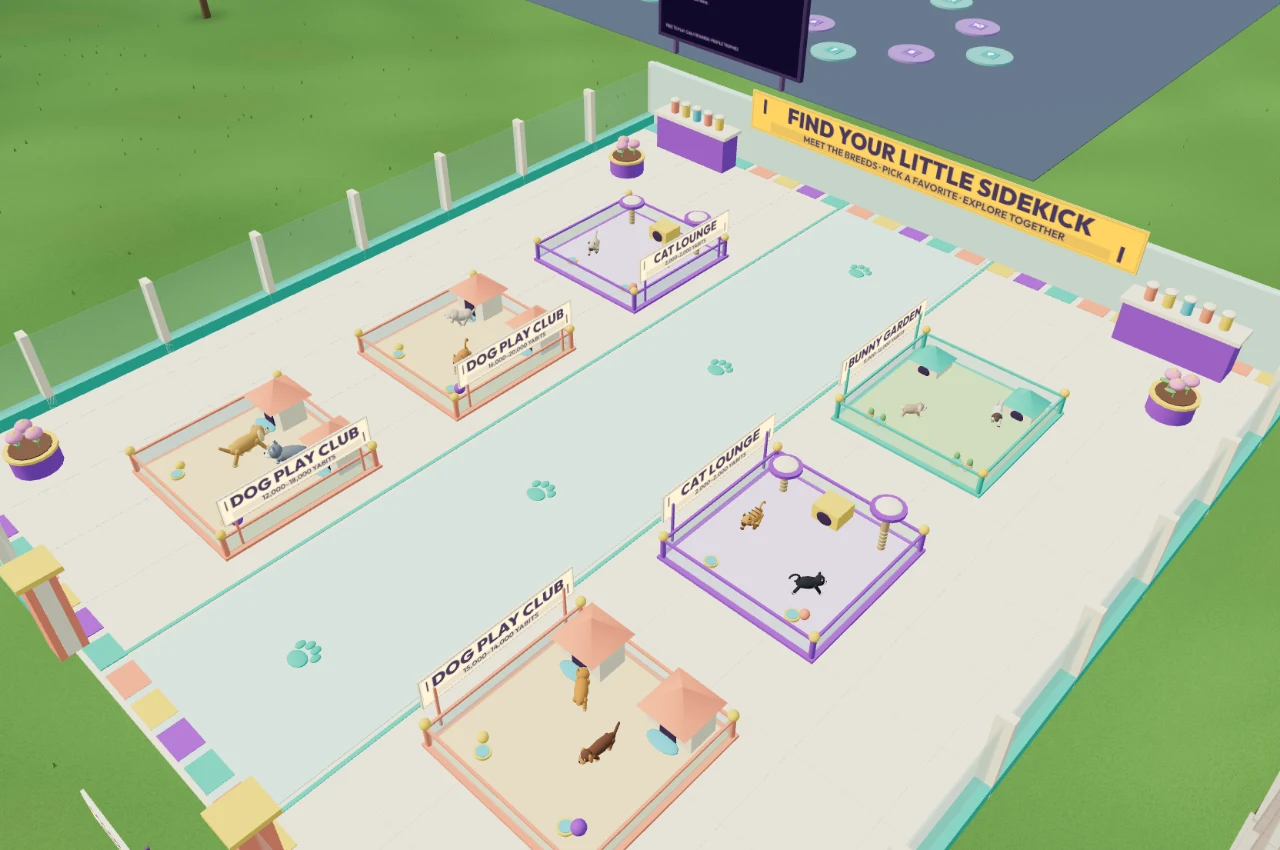
- Paws & Company: look around the pet shop and meet the animals before choosing a companion.
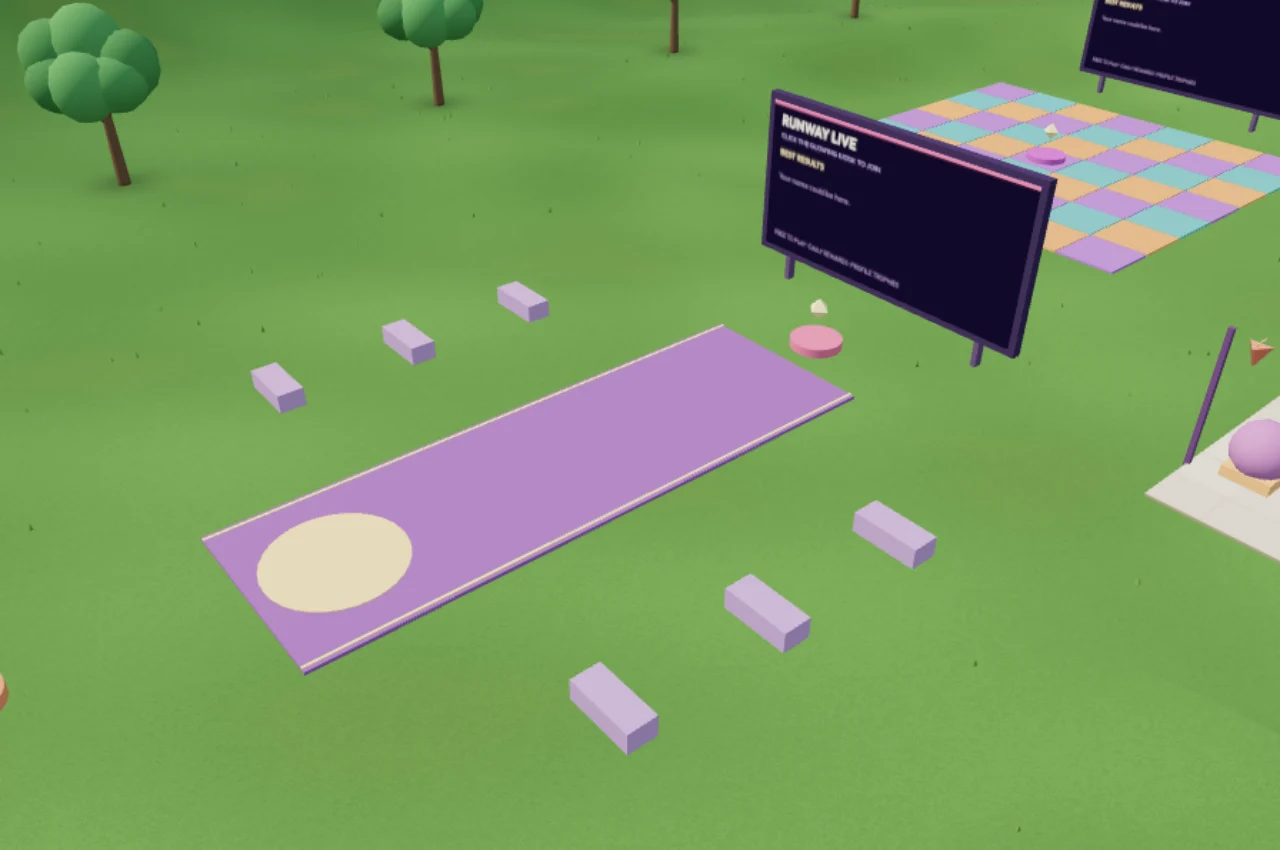
- The running track: line up for a timed lap and try to improve your best time.
- The park: take a walk, find a seat and catch up with friends.
Free to explore; optional items use Yabits
Creating an account and exploring the world are free. Clothes, accessories and pets use Yabits, the game’s virtual currency. Check the item price before buying; optional Yabits packs are available in the wallet. Your backpack has 30 item slots, and the banker can store items you are not using.
Set up chat when you are ready
Verify your email before using text, voice or video chat. A microphone and camera are optional. You can explore without them, choose push-to-talk for nearby voice, or use private messages with friends. The chat and friends guide explains the controls.
Yabs is in early access. It needs a modern browser with WebGL enabled, and performance depends on your device and connection. If the world does not load, try an updated browser or visit Support.