Verify your email first
Text, voice and video chat require a verified email address. Use the verification option in the game and check your inbox. You can keep exploring while completing verification. If a message does not arrive, check spam or visit Support.
A microphone and camera are not required to play. To use voice or video, your browser also needs permission to access the device. Browser permissions and the game’s mute controls are separate: you can stop sharing even after allowing access.
Say hello nearby
Nearby text chat is local to players visible in your surrounding area, within 90 tiles. It is not a message to every player in the entire world. On desktop, press Enter to focus the chat input; on mobile, open chat using its on-screen control.
Proximity voice follows the same idea of talking to people around you, with quieter audio at greater distances. Push-to-talk is the default speaking mode. Use the Voice controls to choose push-to-talk or free talk and check your microphone before a conversation.
Keep in touch with friends
Open another player’s profile to learn about them and use the available friend controls. The Friends menu helps you find your connections and see who is online. On desktop, right-clicking a player opens a compact menu with View profile, Trade and Follow.
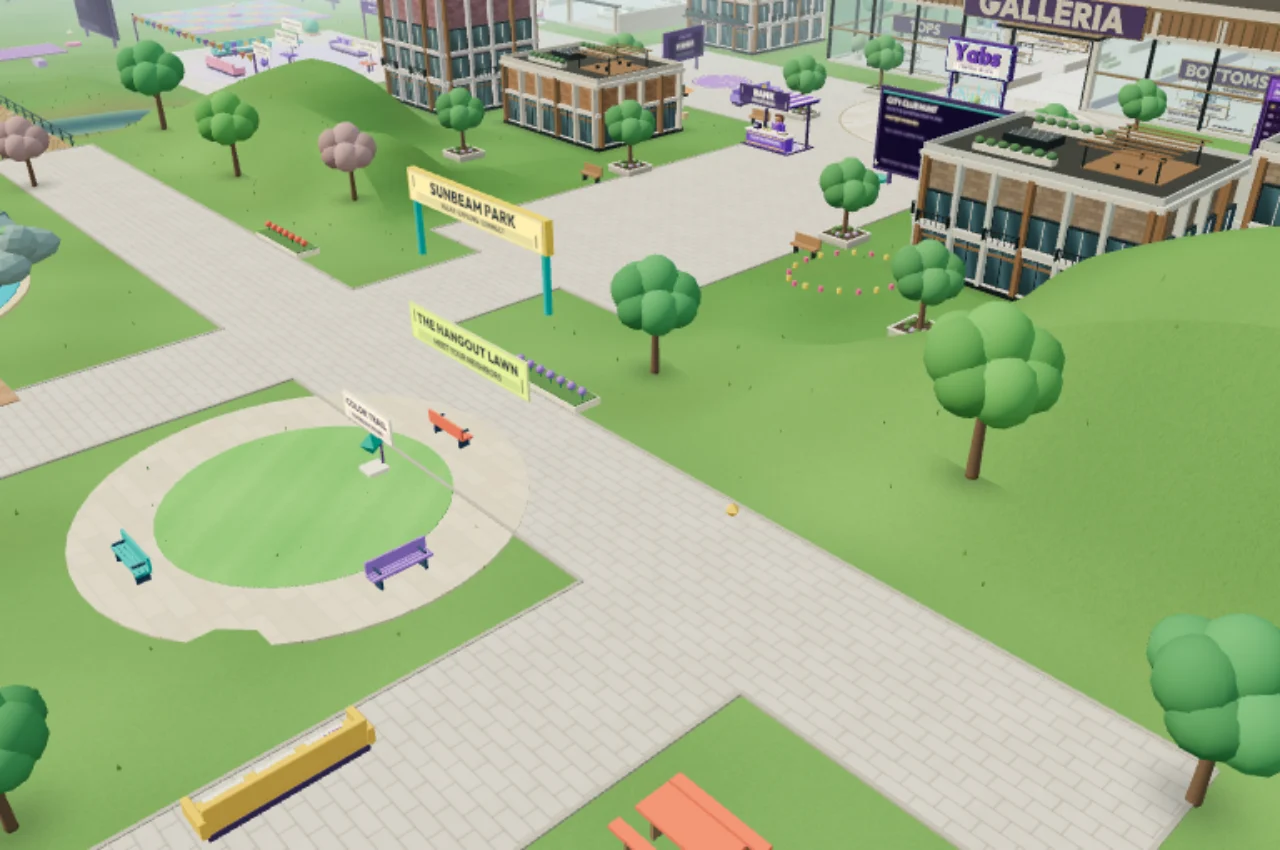
Choose Follow if you want your character to keep up while a friend walks. You can return to manual movement whenever you want to head somewhere else. Find a seat in the plaza or park when you would rather stop and talk.
Move to private or group conversations
The chat panel has Nearby, Private and Groups tabs. Private messages let you talk away from the nearby channel; group chats let a few friends keep a conversation together. Voice and video calls also have their own private text chat.
Use a player’s profile to invite them to a one-to-one voice or video call. A request is not an active call until it is accepted. If a player is already in a call, the game lets you know they are busy.
Choose your boundaries
You can ignore a player or report concerning behavior through their profile. Read the community rules before joining conversations and the privacy page for information about account data and moderation. Avoid sharing personal contact details or passwords in chat.
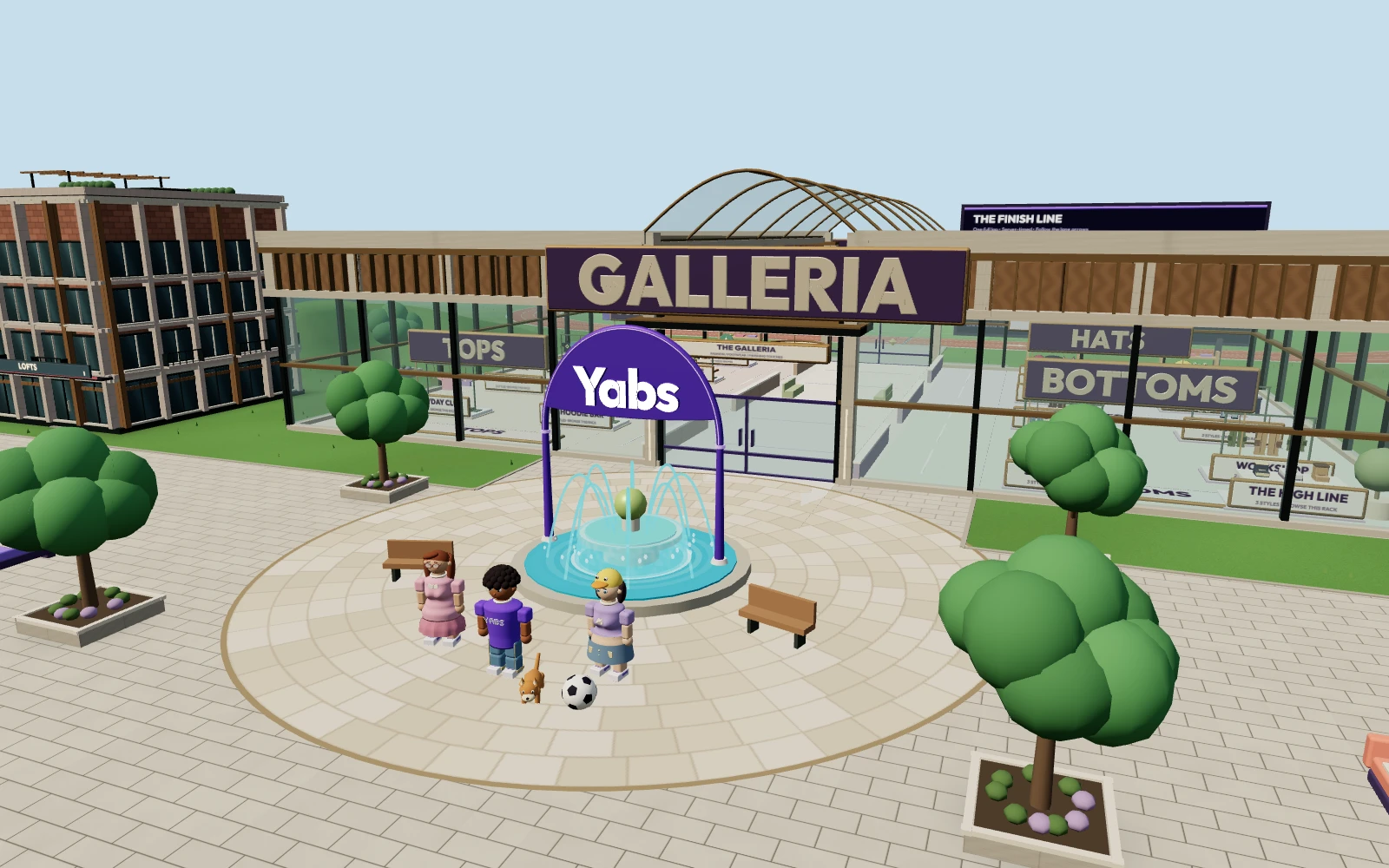
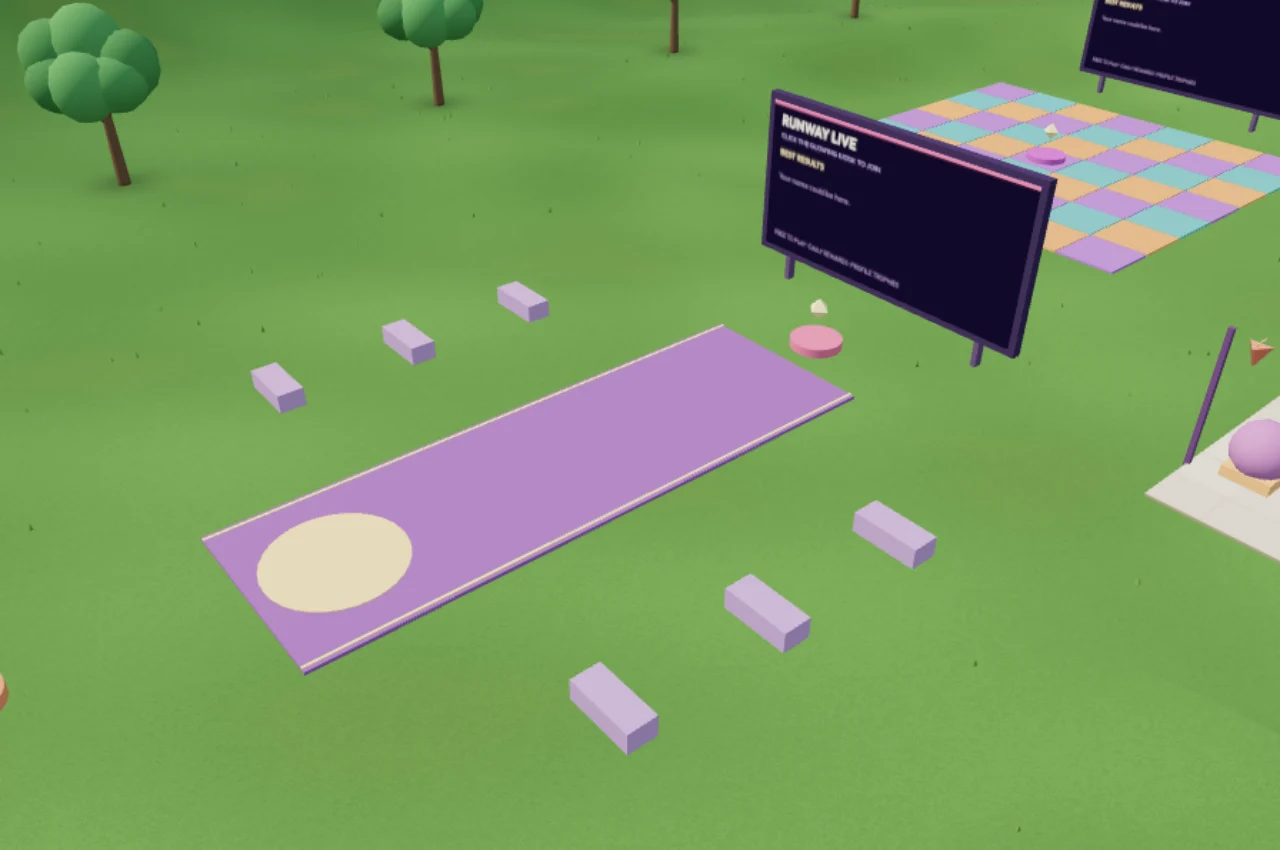
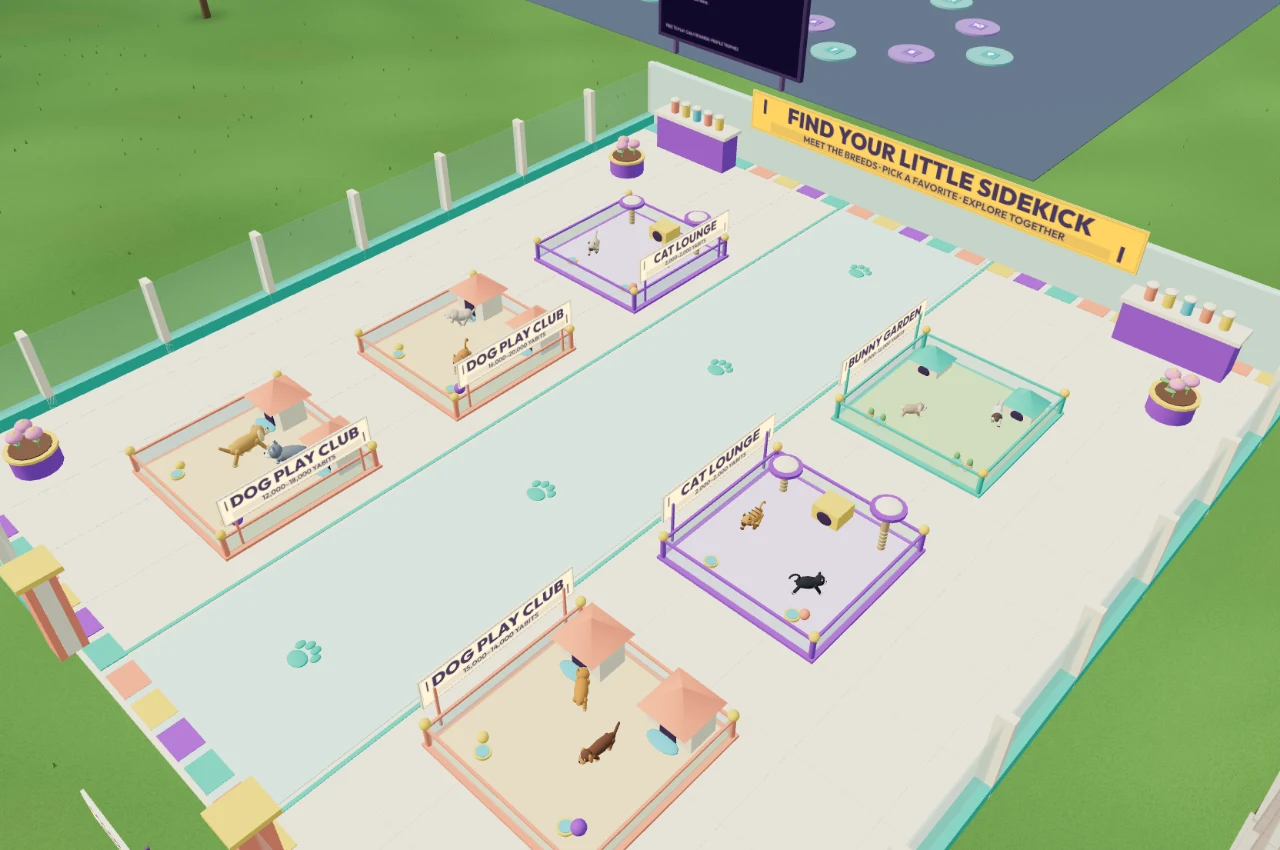
For something to do together, try a group activity, browse the mall or introduce a friend to your pet companion.