Start in the character studio
Open the character studio from the game menus to change your character’s appearance, including hair and eyes. Choose the gender option that suits you. Appearance selections save automatically, so you can experiment and return to the world without a separate save step.
Your profile can also have an uploaded avatar image. That profile image is separate from the clothing your 3D character wears in the world.
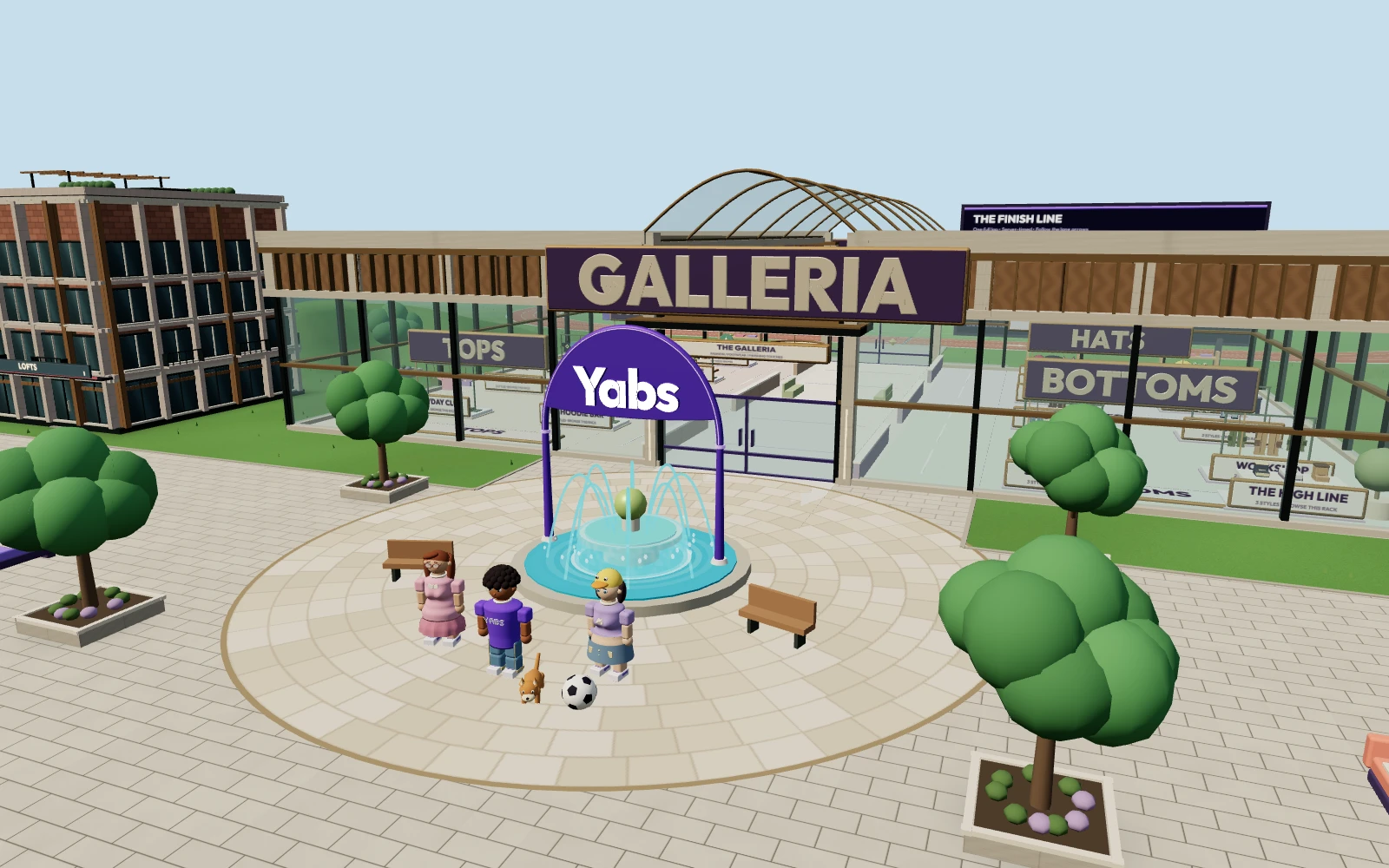
Walk into the Galleria
The Galleria is the large glass-fronted mall near Central Plaza. Enter through a door and walk up to the stand for the items you want to browse. Shopping is tied to your position in the world: you need to be near the actual stand to view its items.
Look for shirts, pants, skirts, hats, shoes and eyewear. The collection includes casual pieces, graphic clothing, glasses and playful animal hats. Each item has its own Yabits price. Browse the current selection in the game rather than relying on an old price list.
Try on items from your inventory
Open Inventory to see your backpack and a live character preview. Click a wearable item to put it on; click it again to take it off. Use the preview to check how the pieces work together. Different slots let you combine clothes and accessories instead of choosing one complete preset.
Try a graphic tee with glasses, pair a skirt with a new top, or make a duck hat the focus of your look. You can change your outfit again whenever you want to wear something different.
Keep, store or trade your collection
The backpack holds 30 items. Visit the banker to deposit pieces you want to keep but do not need with you. Worn items can be banked too. You can also trade with another player; review both offers carefully before accepting a trade.
When you offer a worn item in a trade, it stays on your character until the trade completes. Use the getting started guide if you need help finding the map or inventory controls.
Take your outfit out into the world
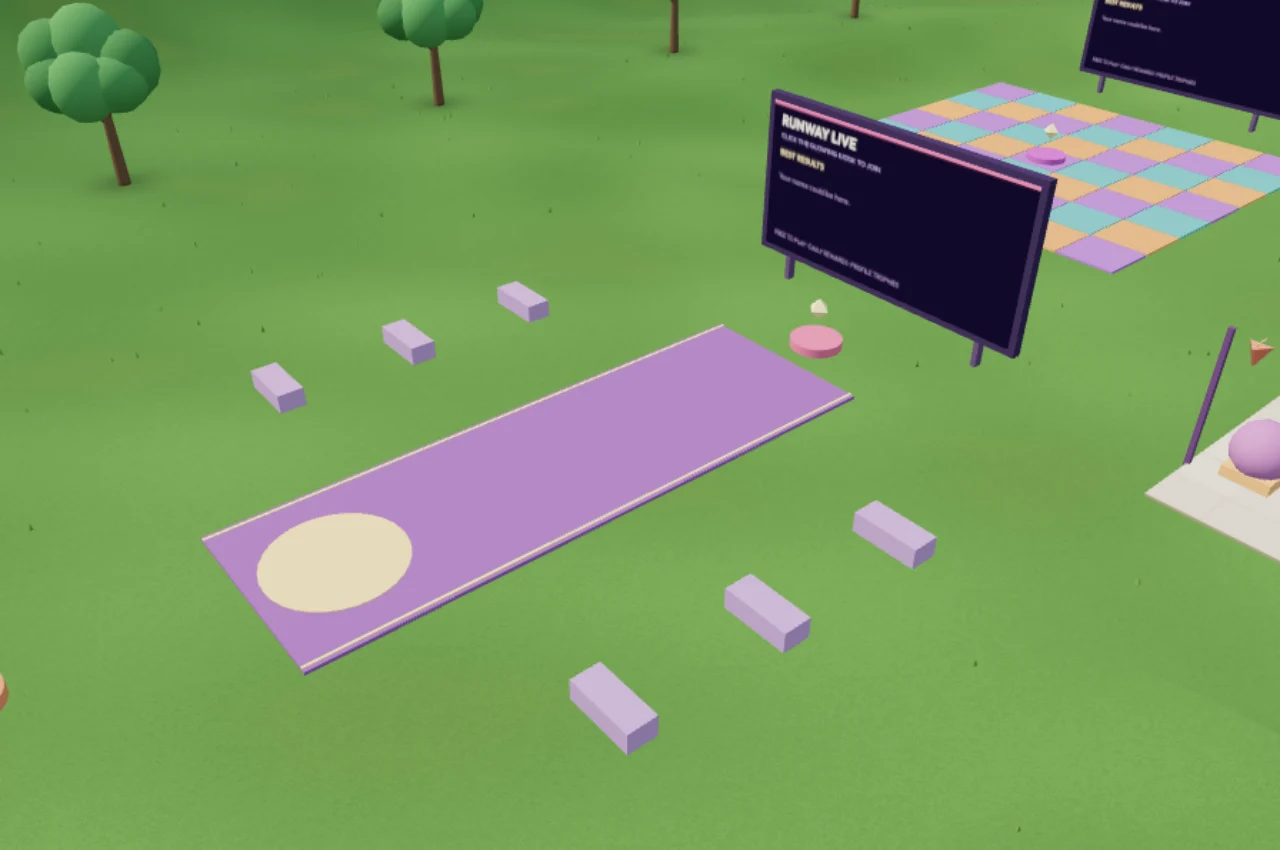
Wear your look while meeting friends, shopping or exploring. For a fashion activity, visit Runway Live: players take turns showing an outfit and nearby verified players vote for the look that fits the theme. See games and activities for more ways to play together.